How the game works
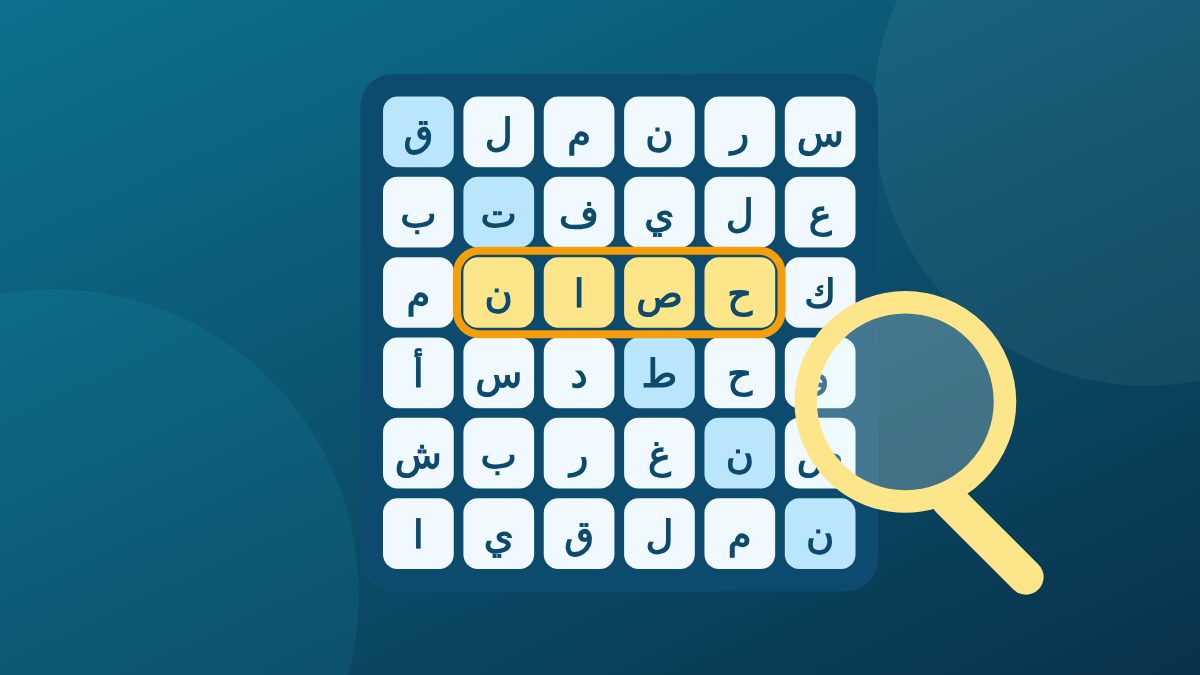
A square grid of letters appears next to the list of words to find. Every word is hidden in a straight line — across, down or diagonally depending on the level. When you spot one, select it from its first to its last letter: its cells change colour and it is crossed off the list.
As in printed word searches, the grid uses capital letters with no punctuation or spaces.
Categories and levels
There are fifteen categories: animals, countries, plants, fruit and vegetables, jobs, the human body, transport, sports, clothes, school, home, nature and weather, sea creatures, musical instruments and colours and shapes, plus a “random” option.
- Easy: 8×8 grid, 6 words across and down only, 3 minutes.
- Medium: 10×10 grid, 8 words, diagonals included, 4 minutes.
- Hard: 12×12 grid, 10 words in every direction, backwards too, 5 minutes.
How to select a word
On a computer, click the first letter and drag to the last one. On a phone, drag your finger, or tap the first letter (an orange frame appears) and then the last. The direction of your selection does not matter.
Game modes and points
- Solo: choose the category and level. Each word earns 10 points plus a speed bonus, and if you complete the grid the seconds left are added to your score. You have three hints: each one makes the first letter of a missing word flash, for 5 points.
- Daily challenge: the same medium grid for every player on the same day.
- Multiplayer: one player creates a room, chooses the category and level, and shares the code. Everyone gets the same grid, each player searches independently, and the server checks every word. The game ends when all players have found everything or time runs out; players are ranked by points.
As with every game on the platform, your result is converted into unified points: 10 points for taking part, then up to 90 more according to the share of words you found.
Strategies for finding words faster
- Start with rare letters: look for a word whose first letter is uncommon (K, W, Z, Y, X) — there are fewer places to check.
- Go for long words first: “BUTTERFLY” or “PHARMACIST” take up lots of cells, are easy to spot and free up the grid.
- Scan row by row: sweep each row for the first letter, then check the eight surrounding cells for the second letter.
- Look for double letters: pairs like “LL”, “PP” or “EE” (as in GAZELLE, PEPPER or SHEEP) stand out.
- At hard level, think backwards: look for the last letter too, since the word may run right to left or bottom to top.
Why the game is useful
Word searches train visual attention, the ability to pick out a specific shape among many similar ones. They also strengthen letter-by-letter word recognition, a useful skill for reading and spelling. The fifteen categories build everyday vocabulary, and players mentally spell out every word they look for.
In class and at home
A teacher can create a room on the lesson’s topic (animals, jobs…) and then ask students to write a sentence with each word they found. At home, the easy level suits early readers, since words only run across and down.
❓ Frequently asked questions
Why doesn’t the game accept my selection?
Make sure you selected the whole word, from first to last letter in a straight line, and that it is on the list.
Can words cross?
Yes, two words can share a cell when they have the same letter there.
Is the game available in other languages?
Yes, in Arabic and French, with the same categories and rules. The Arabic version is great practice for recognising separate Arabic letters.
Are my points saved?
Yes, on the overall leaderboard once you have chosen a player name, as in the other games.